Alight Motion stands as the world’s first professional motion graphics toolset designed for mobile platforms, bringing sophisticated animation capabilities directly to your fingertips. This revolutionary application transforms how creators approach video editing and animation, offering desktop-quality features in a portable format that can now be enjoyed on PC through emulation.
Why Choose Alight Motion Over Traditional Editing Software?
The application delivers an impressive suite of 160+ basic effect building blocks that can be combined to create sophisticated visual effects, along with comprehensive keyframe animation capabilities available for all settings. Unlike conventional desktop software that requires extensive learning curves, Alight Motion streamlines complex animation processes while maintaining professional-grade output quality.
Creative professionals particularly value the software’s multi-layer composition system, allowing seamless integration of graphics, video, and audio elements. The platform supports both vector and bitmap graphics editing, enabling direct manipulation of complex visual elements without requiring additional design software.
Advanced Features for Professional Content Creation
The application excels in providing specialized tools that cater to diverse creative needs:
- Motion Graphics Excellence: Professional-grade animation easing with customizable timing curves
- Visual Effects Arsenal: Color adjustment, masking, and grouping capabilities for precise control
- Camera Dynamics: Pan, zoom, and focus blur effects with fog support for cinematic presentations
- Export Versatility: Multiple format support including MP4, GIF animation, PNG sequences
Industry research reveals that the global phone video editing app market reached USD 0.95 billion in 2024, with projections to grow to USD 4.93 billion by 2033. This explosive growth reflects the increasing demand for accessible yet powerful editing solutions.
Overcoming Mobile Limitations Through PC Integration
While users appreciate Alight Motion’s comprehensive animation tools, many report frequent crashes and heavy lag, especially with larger projects or multiple layers. Running Alight Motion on PC addresses these performance constraints by leveraging superior processing power and expanded memory resources.
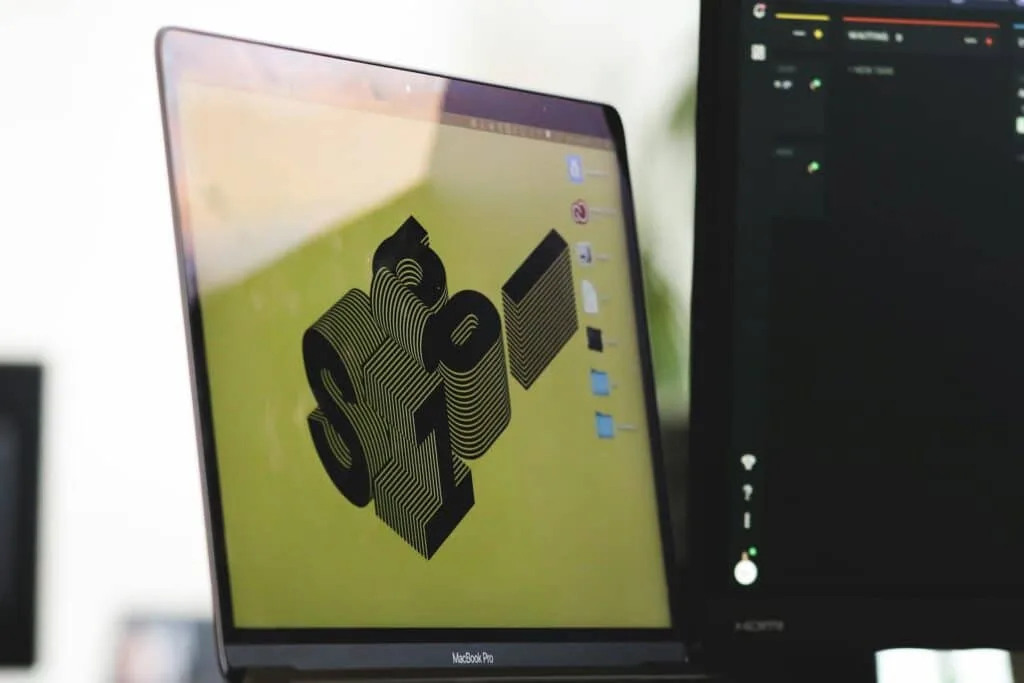
Desktop emulation eliminates the storage limitations and thermal throttling common in mobile devices, allowing creators to work on extensive projects without interruption. The larger screen real estate significantly improves precision when working with detailed keyframe animations and complex layer compositions.
Business Applications and Professional Workflow
Creative agencies increasingly adopt Alight Motion for rapid prototyping and client presentations. The software’s template system and preset functionality enable quick concept development, while advanced users can create sophisticated motion graphics that rival traditional desktop applications.
Social media managers particularly benefit from the platform’s format optimization features, ensuring content meets platform-specific requirements across various channels. Market analysis shows the mobile video editing applications sector is anticipated to reach USD 1567 million by 2030, driven largely by social media content demand.
Getting Started with Alight Motion on PC
To experience Alight Motion’s full potential on your Windows computer, install BlueStacks emulator from the official website. Once BlueStacks is running, access the Google Play Store within the emulator and search for “Alight Motion.” Download and install the application as you would on any Android device.
After installation, you can access alight motion download pc resources and tutorials to maximize your creative workflow. The emulator environment provides mouse and keyboard support, making complex editing tasks more intuitive than touchscreen interaction.
The combination of Alight Motion’s professional features with PC performance creates an optimal environment for advanced motion graphics and video editing projects.